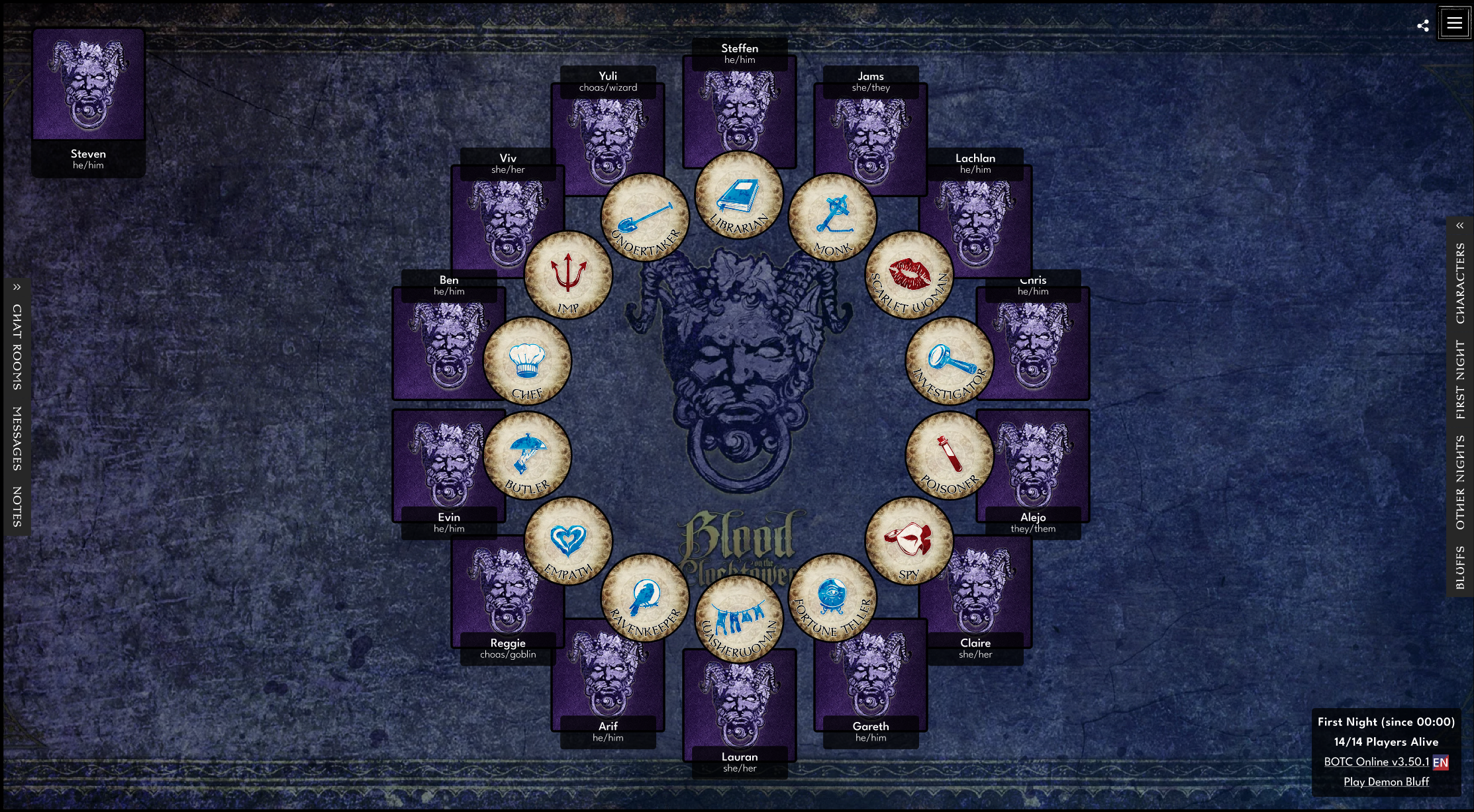
A purple and gray textured background with a Medusa-like face and horns at the top. Below, there is a gold Gothic-style text that reads "Blood on the Clocktower."

Blood on the Clocktower

Redesigning the Pandemonium Institute’s murder-mystery social-deduction RPG as an online multiplayer game.

Setting Up an Online Game
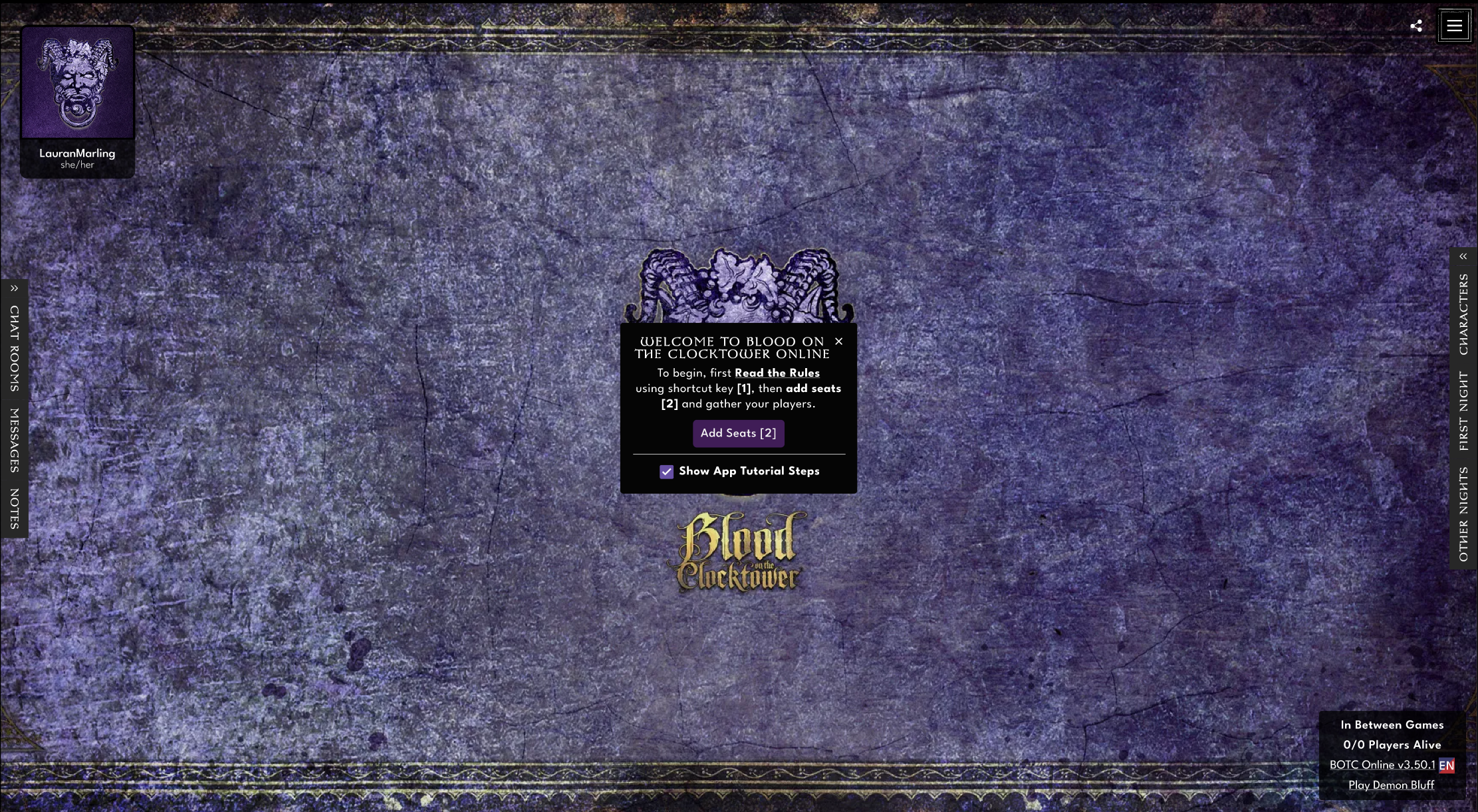
Screenshot of a game lobby for 'Blood on the Clocktower' showing the game's title, a QR code, and a menu for chat rooms, messages, notes, other games, and game characters, set against a textured purple background with gold decorative borders.

Adding Players

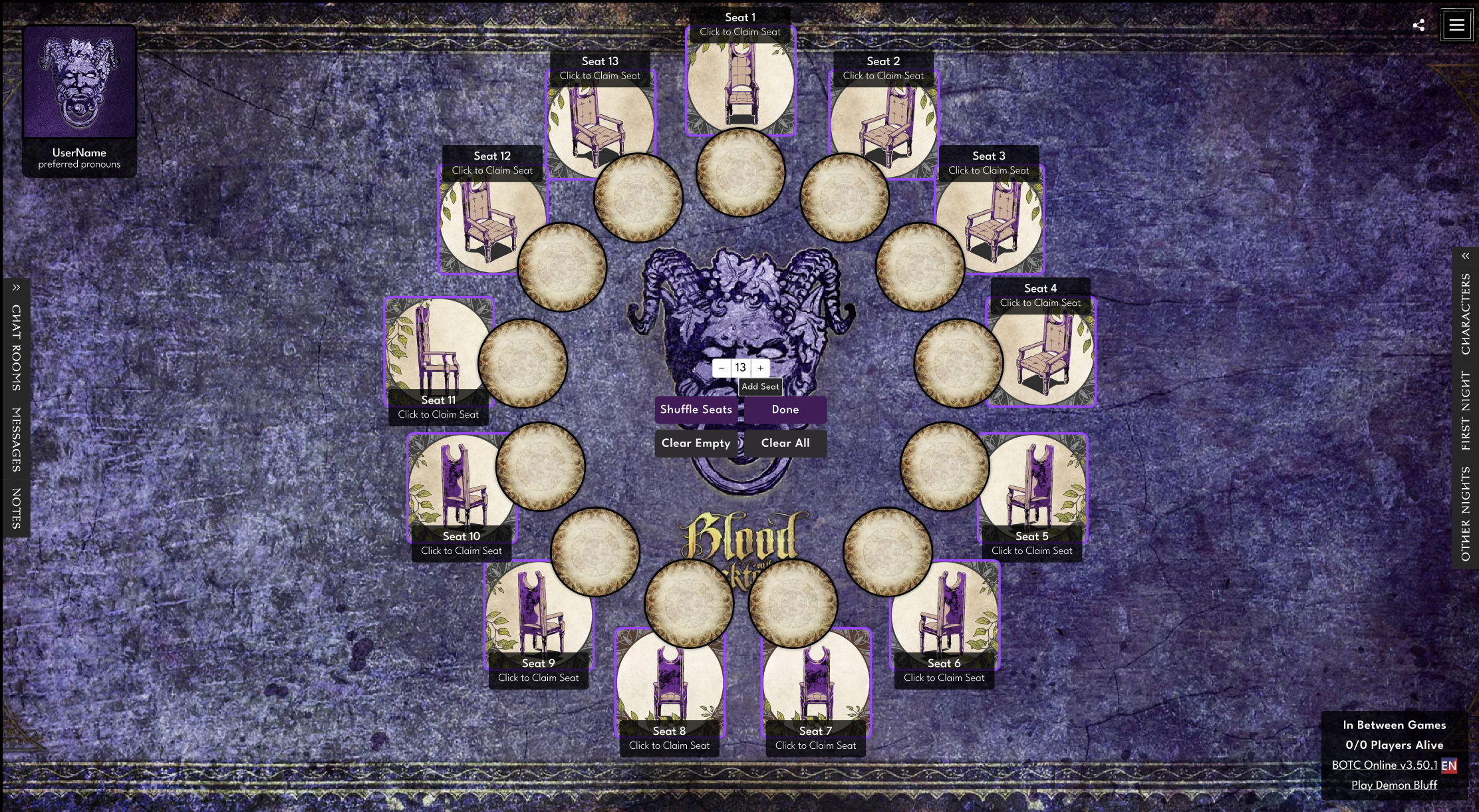
Virtual game interface for seating arrangement with a dark, textured background featuring a central purple and black monstrous face and horns. There are numbered seats labeled with 'Click to Claim Seat', surrounding circular placeholders for players, and buttons for shuffle, done, clear, and add seats in the center. The upper left corner displays a user icon with preferred pronouns. The right side has options for chat, characters, first night, and other game controls. The bottom right indicates game version and game name, with live player status and button to play on Demon Bluff.

Selecting Edition & Choosing a Script
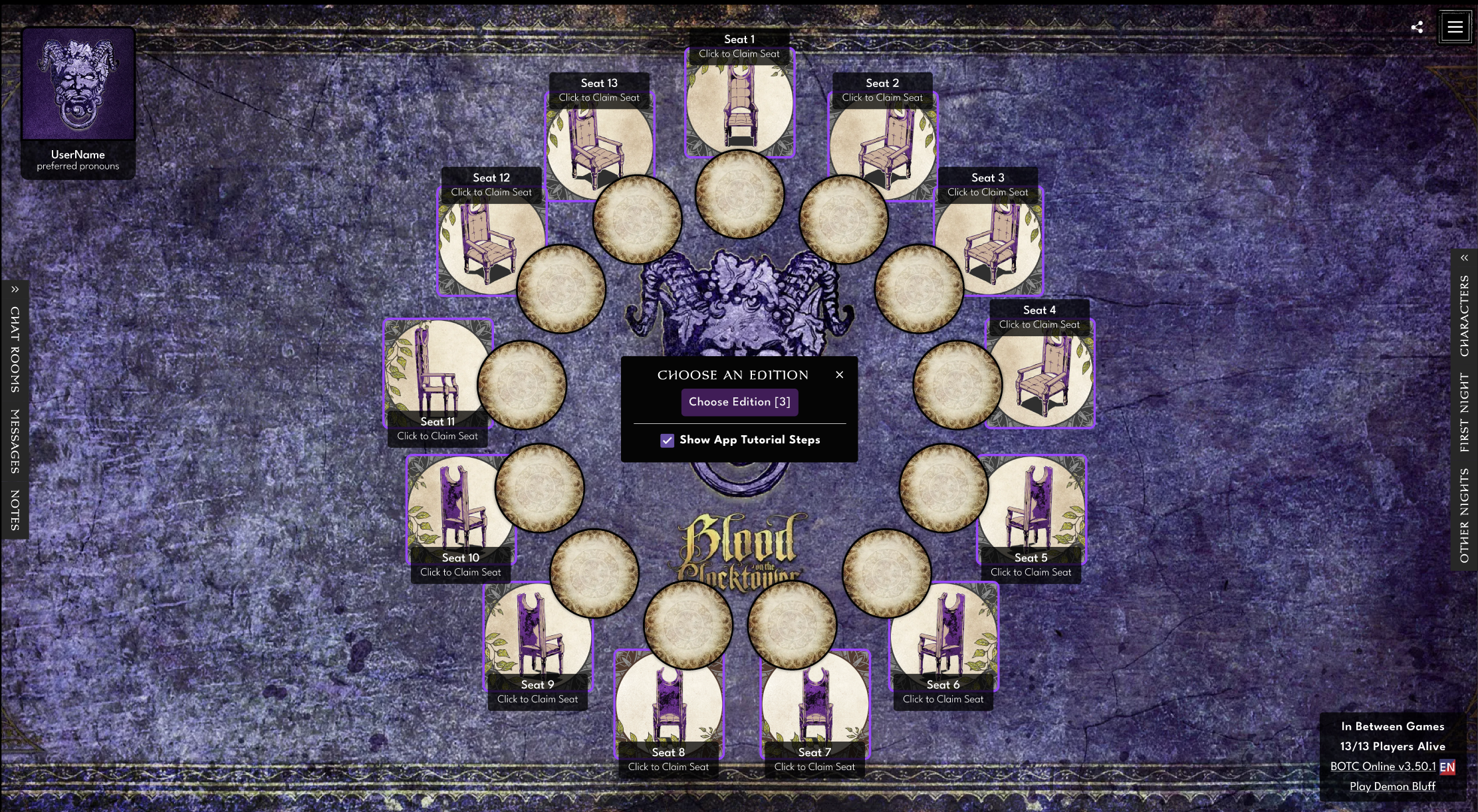
Online game interface called 'Blood of the Black Tower' with a dark, textured background, featuring a circular seating arrangement with numbered seats around a central demon-like face. The interface includes options to select a game edition, access chat, messages, notes, character information, and other game features.
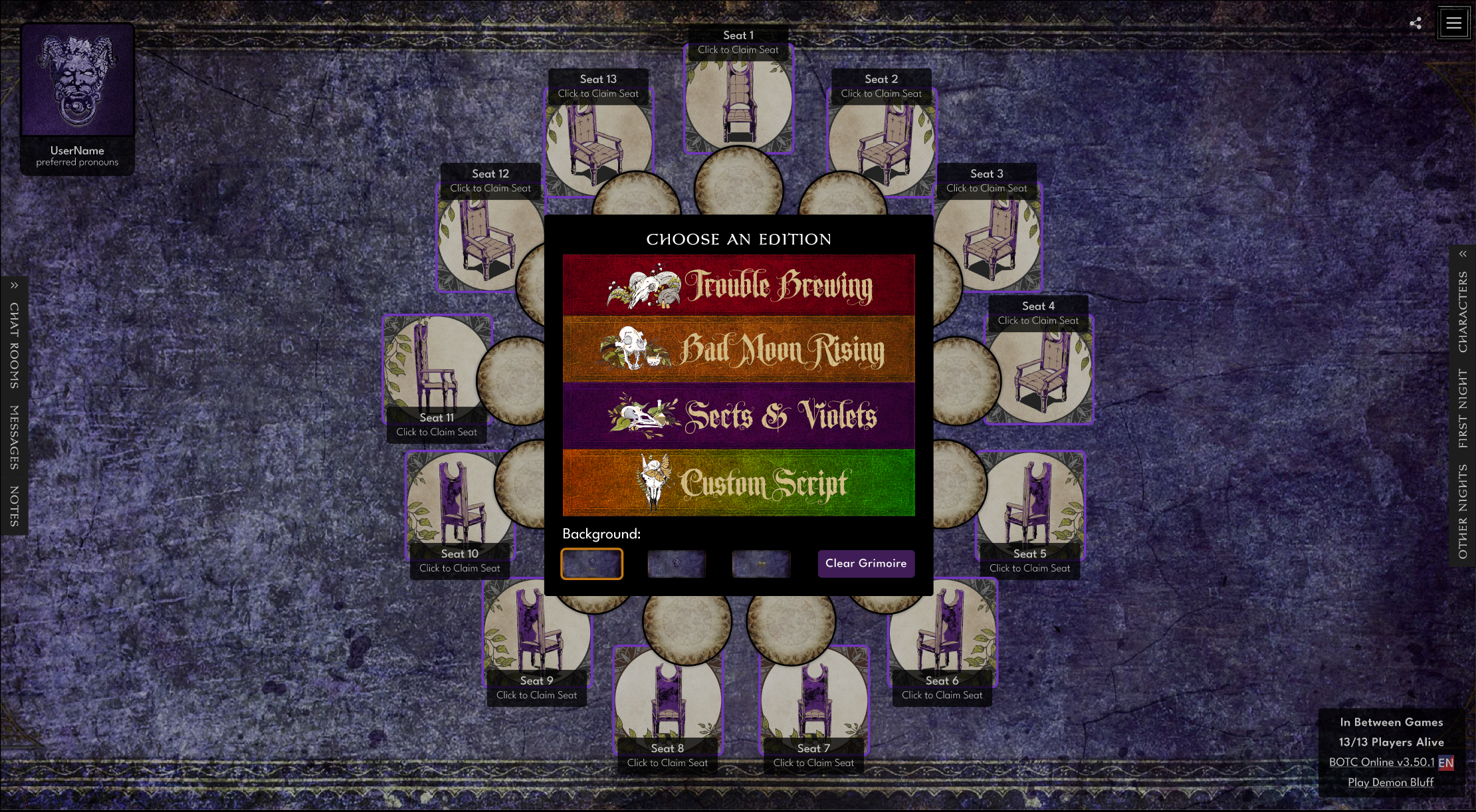
An online game interface with a dark purple textured background, showing a circular seating arrangement with 13 seats, each labeled 'Click to Claim Seat.' In the center, a menu titled 'Choose an Edition' displays options for 'Trouble Brewing,' 'Half Moon Rising,' 'Skets & Violets,' and 'Custom Script.' There are buttons for background selection and clearing the grimoire. The top left corner shows a user profile icon with preferred pronouns. The bottom right indicates there are 13 out of 13 players alive, with options to play and access game details.
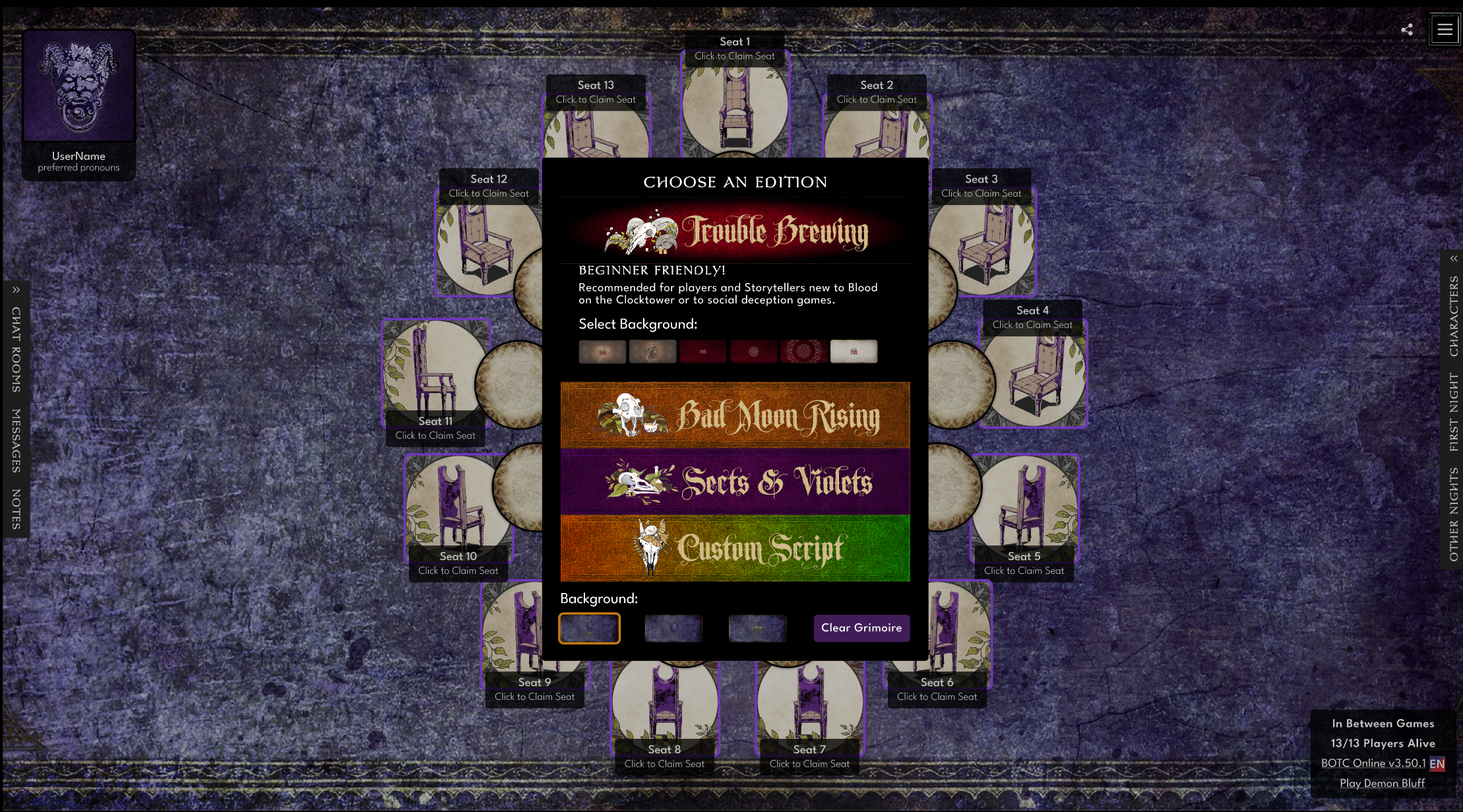
Screenshot of an online game interface showing a seating chart with numbered seats, a central menu for choosing game editions such as 'Trouble Brewing,' 'Half Moon Rising,' 'Sets & Violets,' and 'Custom Script,' background selection, and various game options like chatting, messages, and notes. The game appears to be themed with a dark, gothic aesthetic.

Selecting Characters

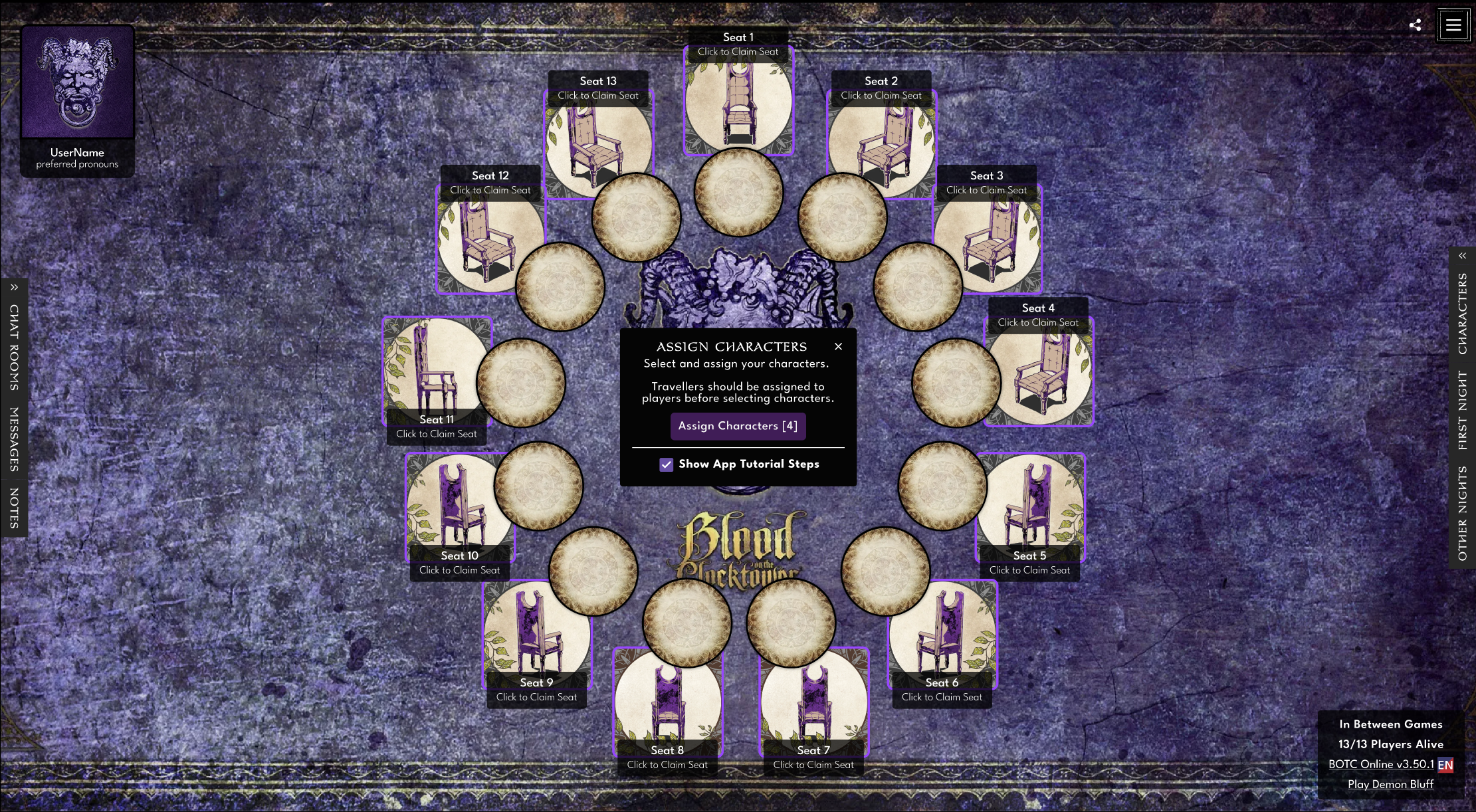
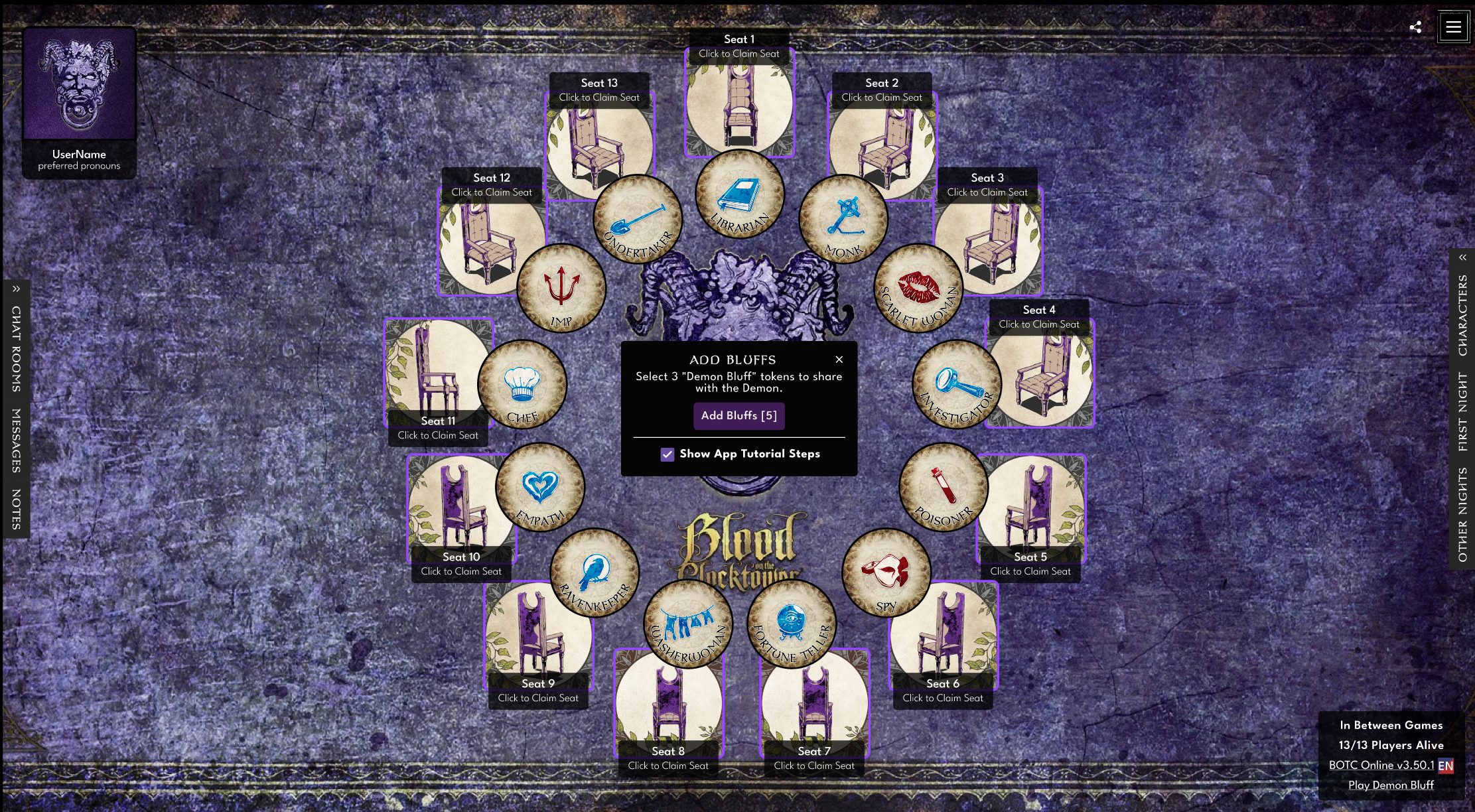
A digital game screen for Blood on the Clocktower showing a seating chart with 13 seats around a circular table, some seats labeled with 'Click to Claim Seat' and others available. The background is textured purple with game branding in the center and various buttons and menu options along the edges.
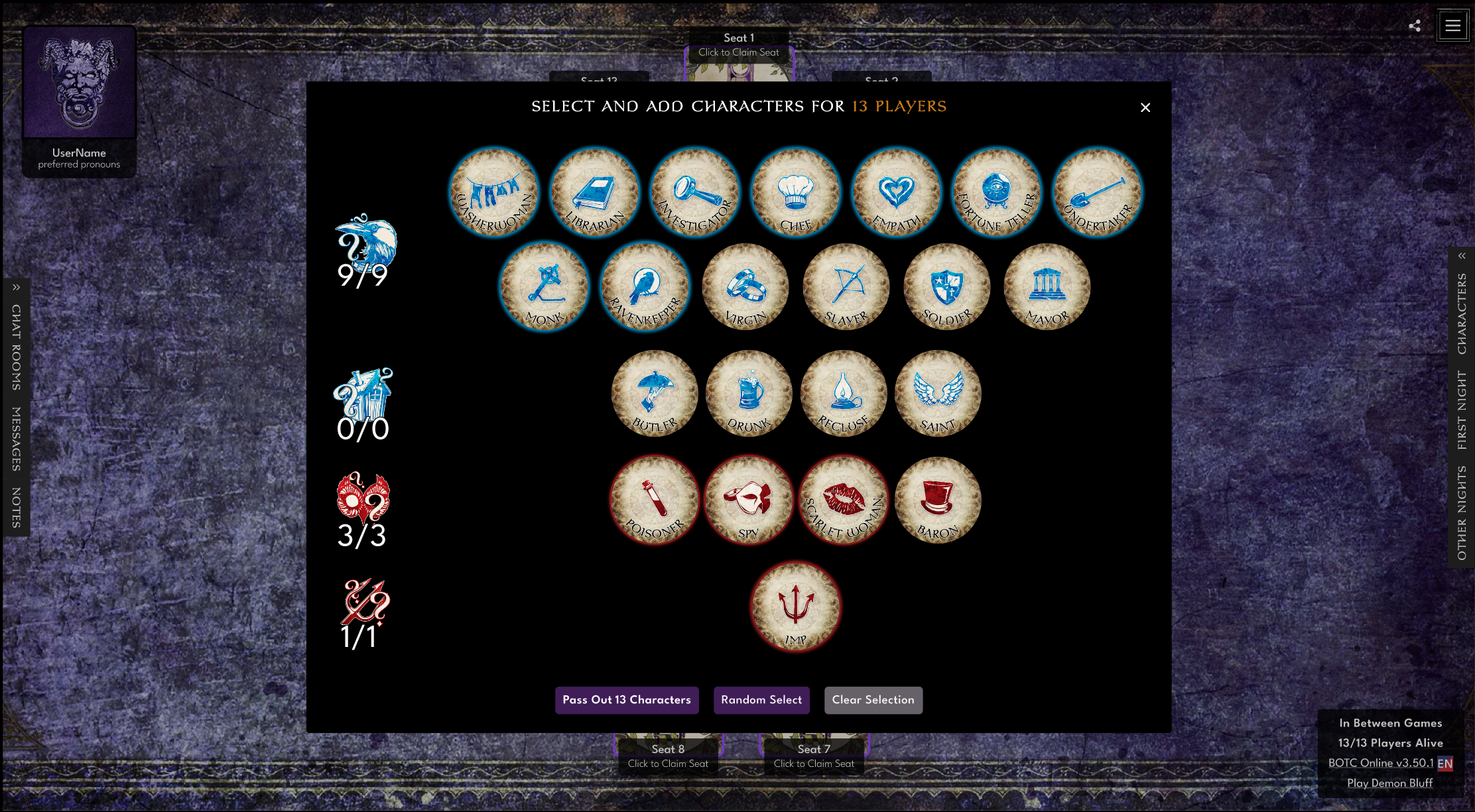
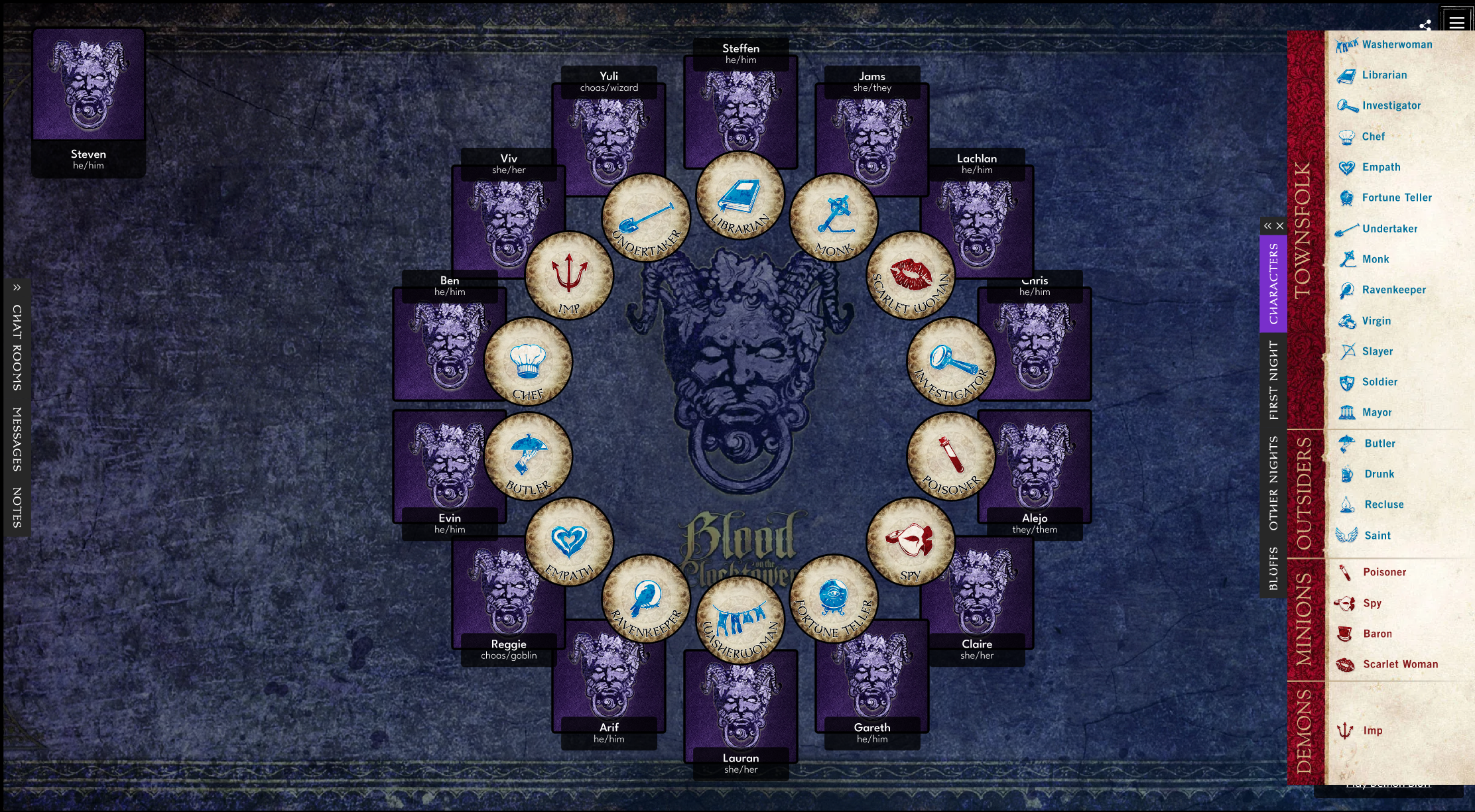
Screenshot of a character selection screen for a game, displaying 13 character icons with titles like Washerwoman, Librarian, Investigator, Chef, Empati, Fortune Teller, Undertaker, Monk, Ravenkeeper, Virgin, Slayer, Soldier, Mayor, Butler, Drunk, Recluse, Saint, Poisoner, Spy, Scarlet Woman, Baron, and Imp. The background is dark and textured with a purple tone, and there are options for passing out characters, random selection, and clearing selection at the bottom.

Adding the Demon’s Bluffs

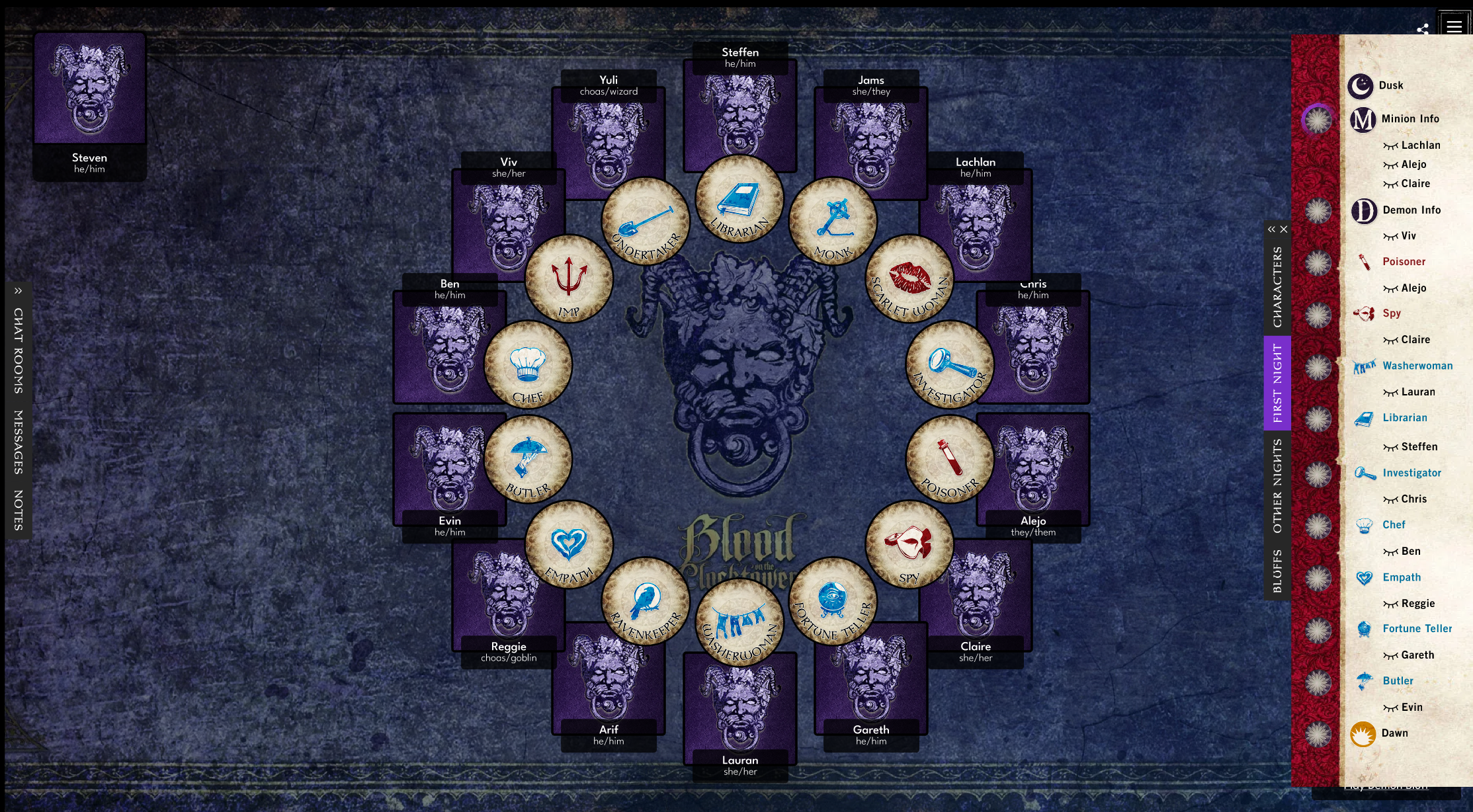
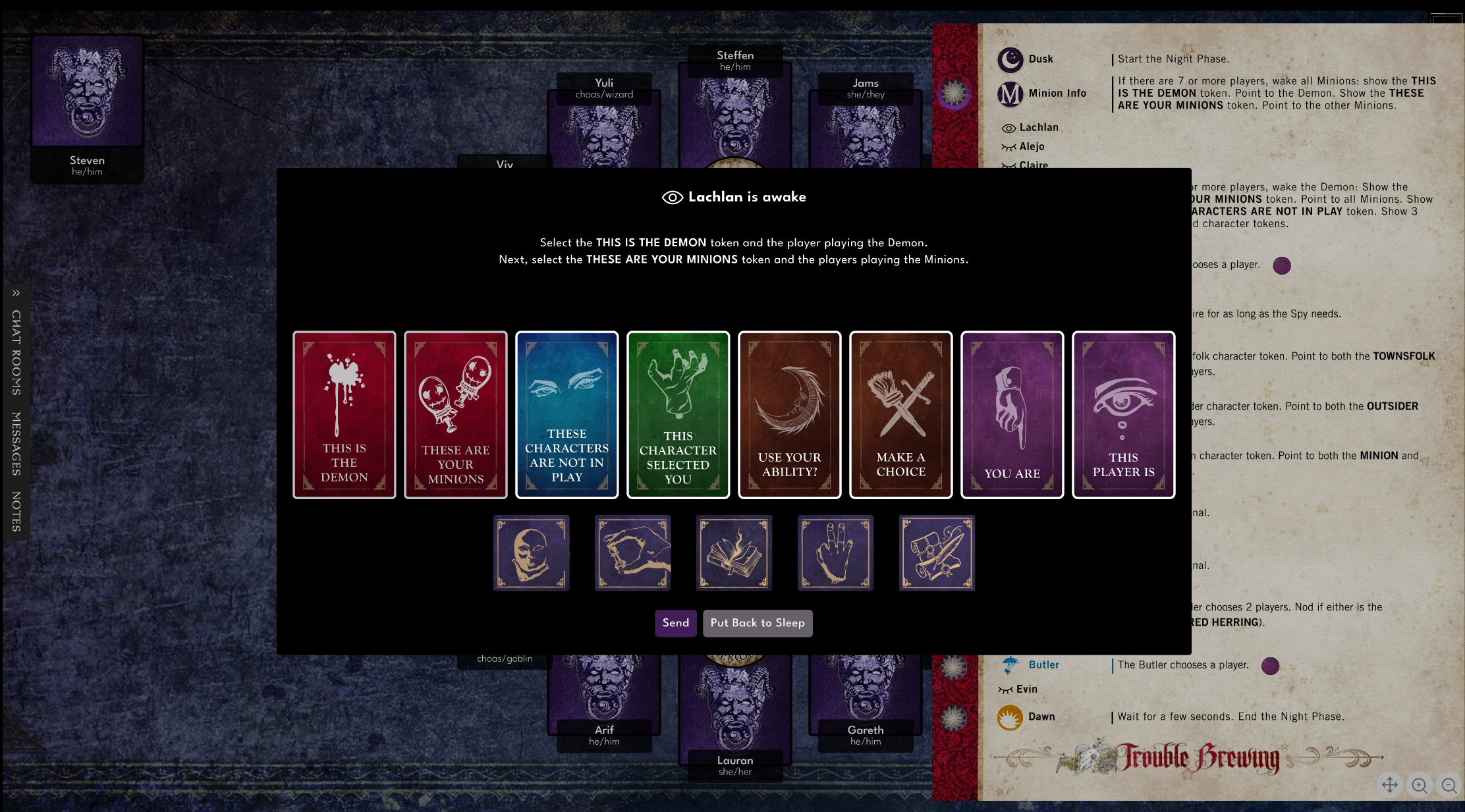
Begin the Night Phase
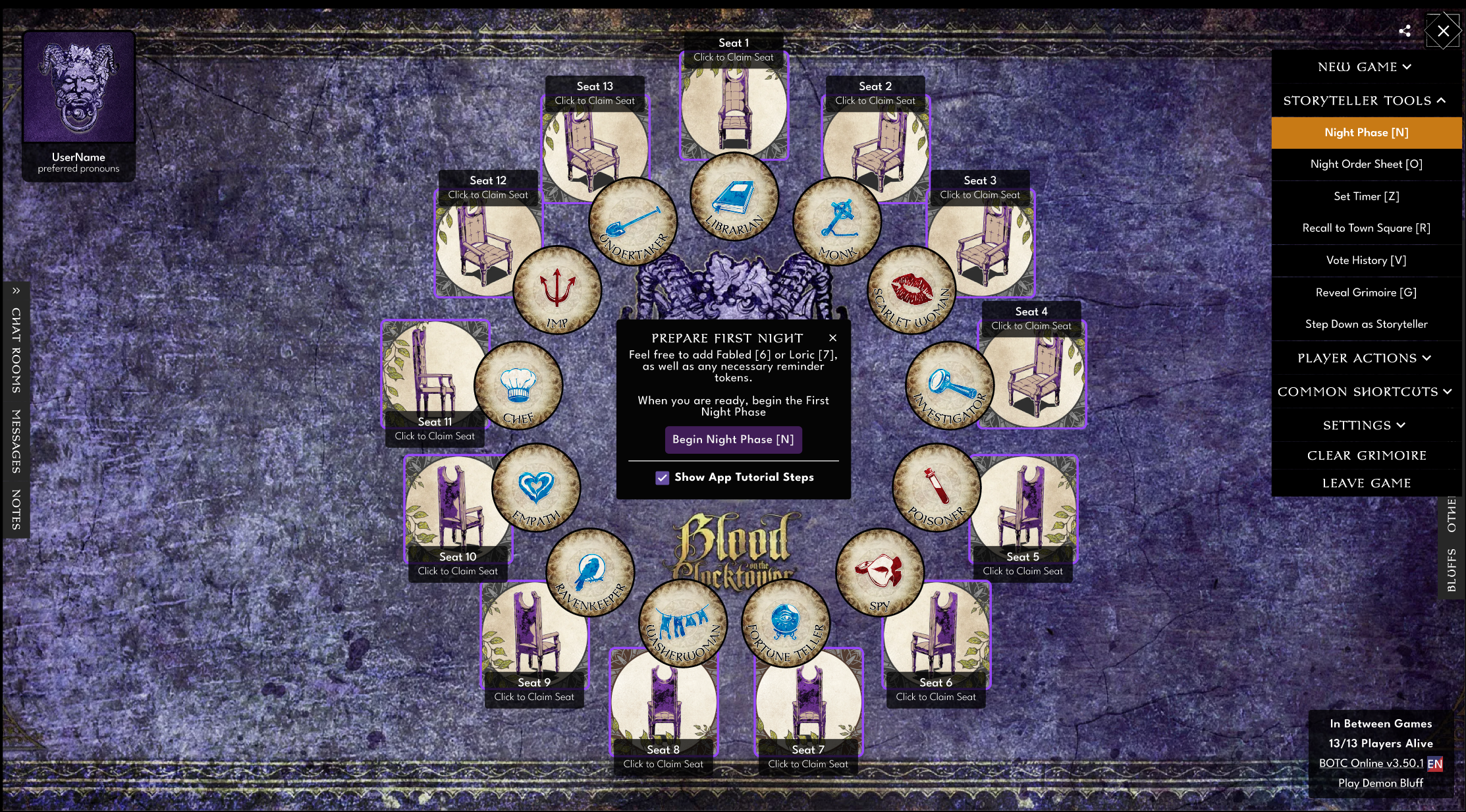
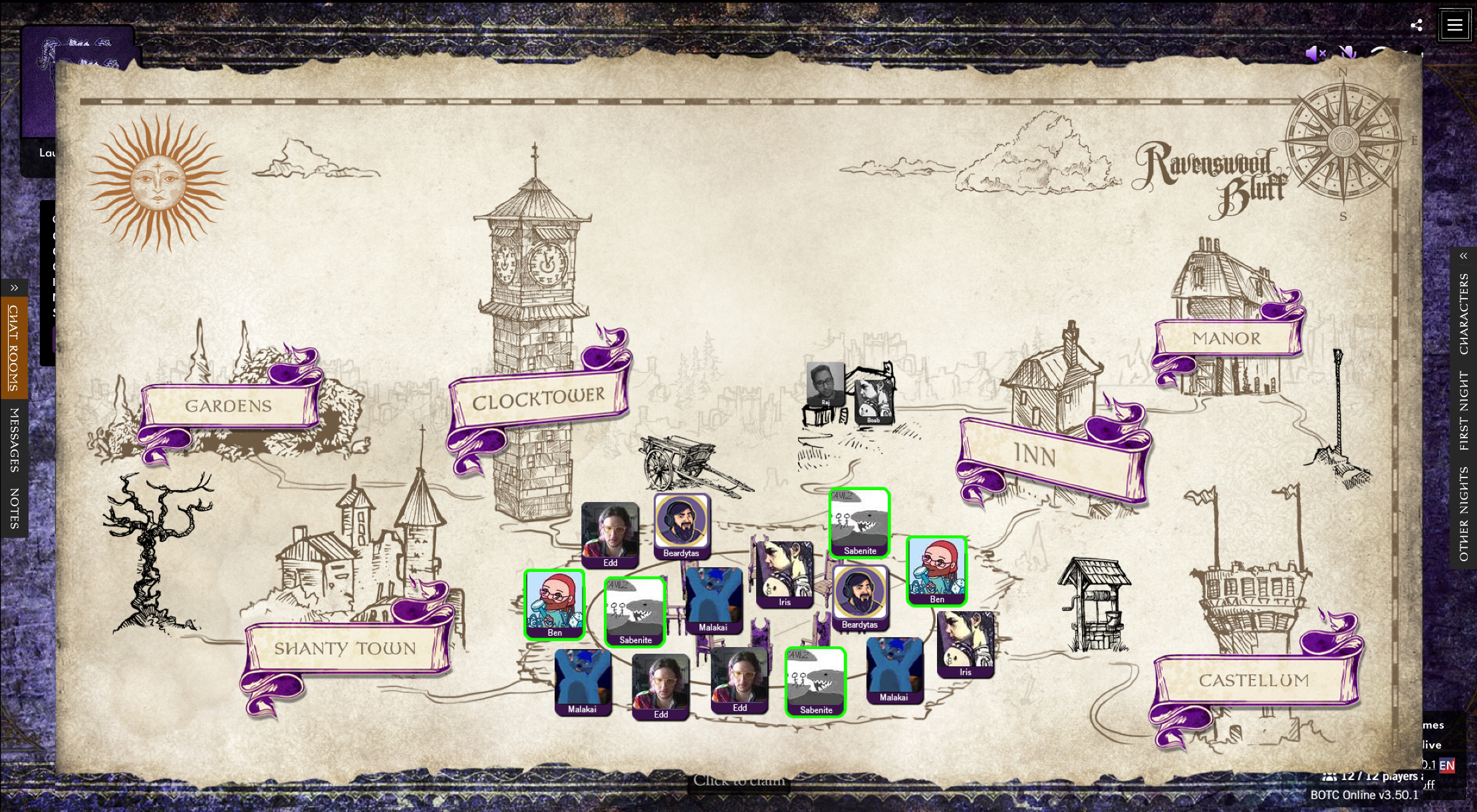
Day Phase
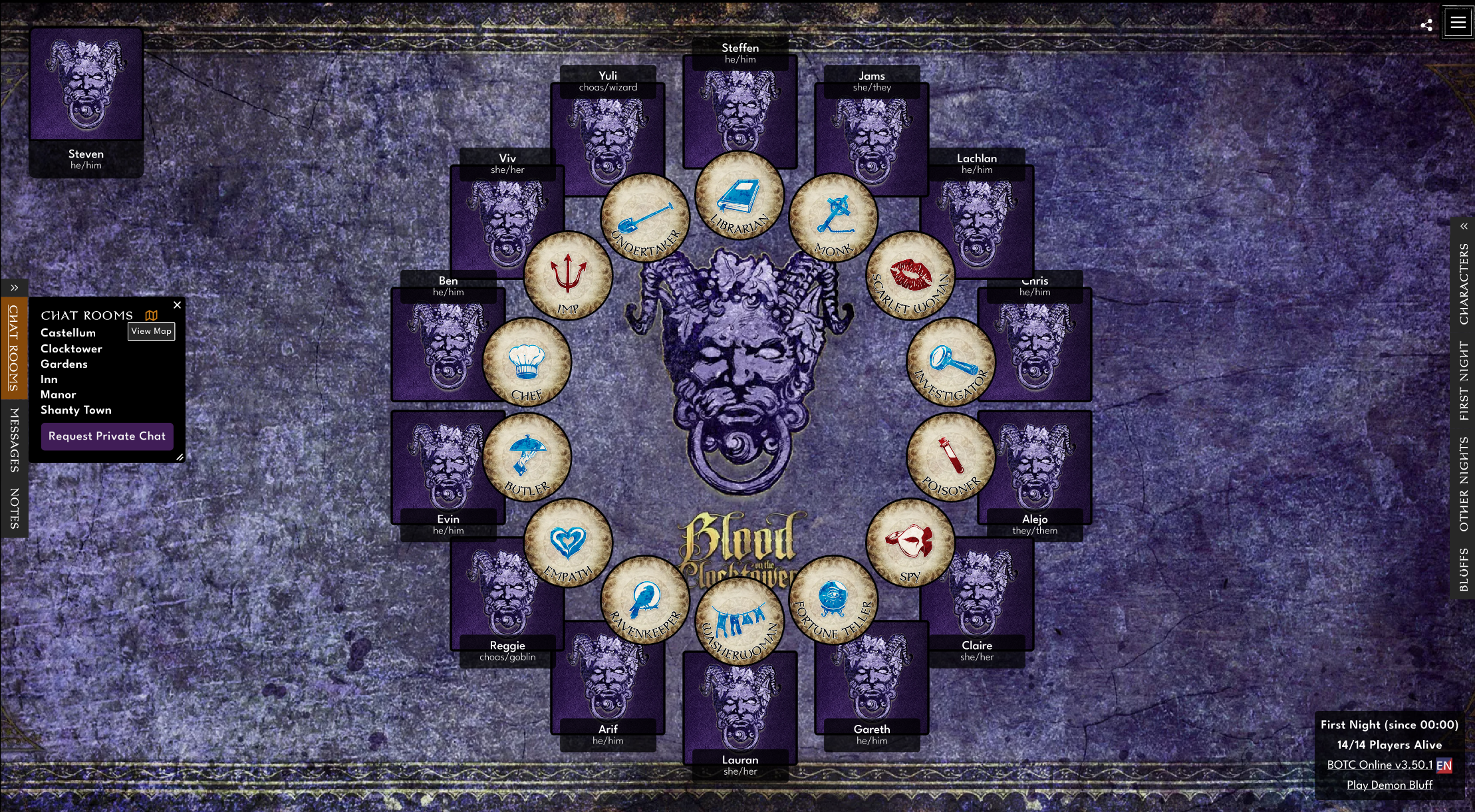
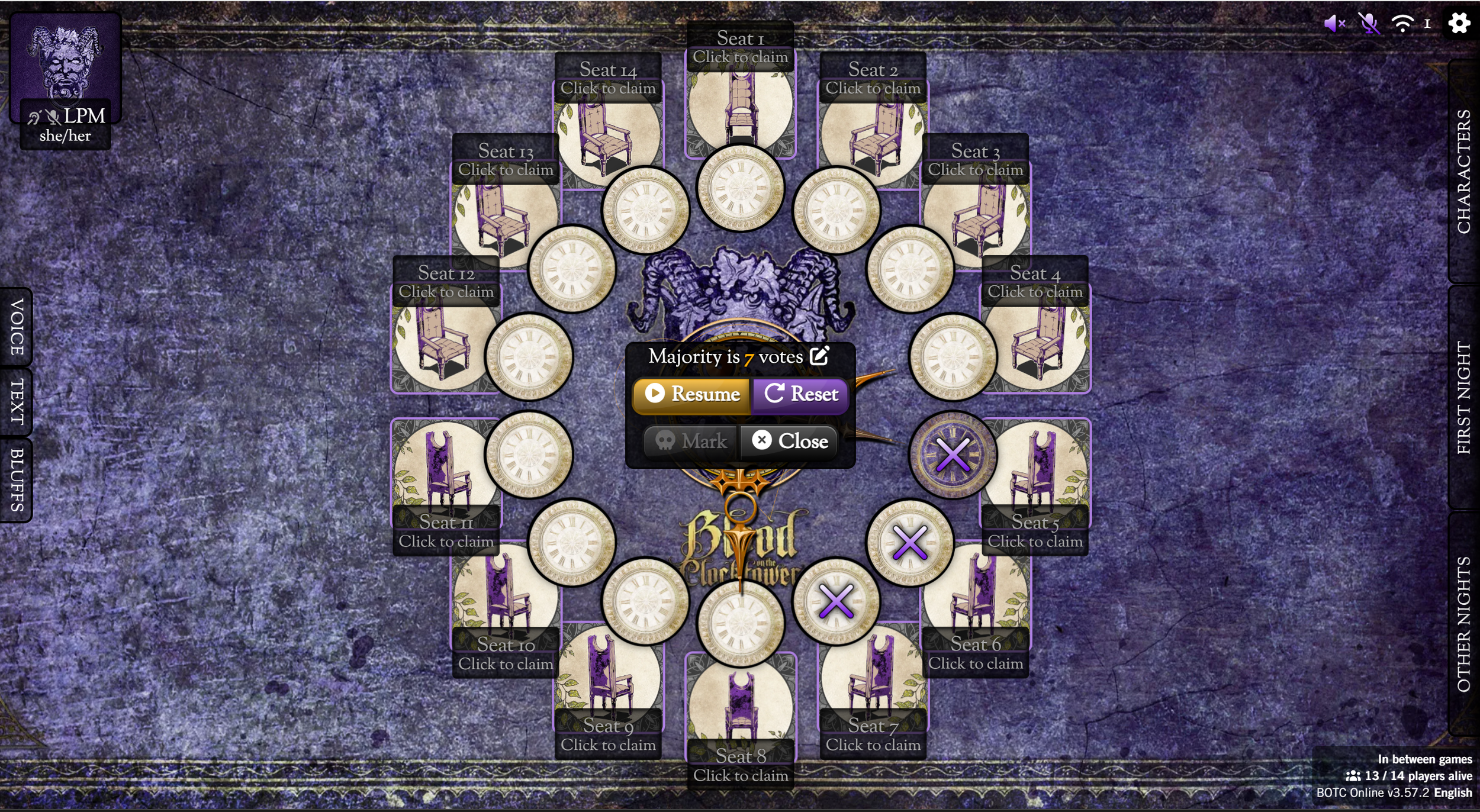
Voting & Nominations
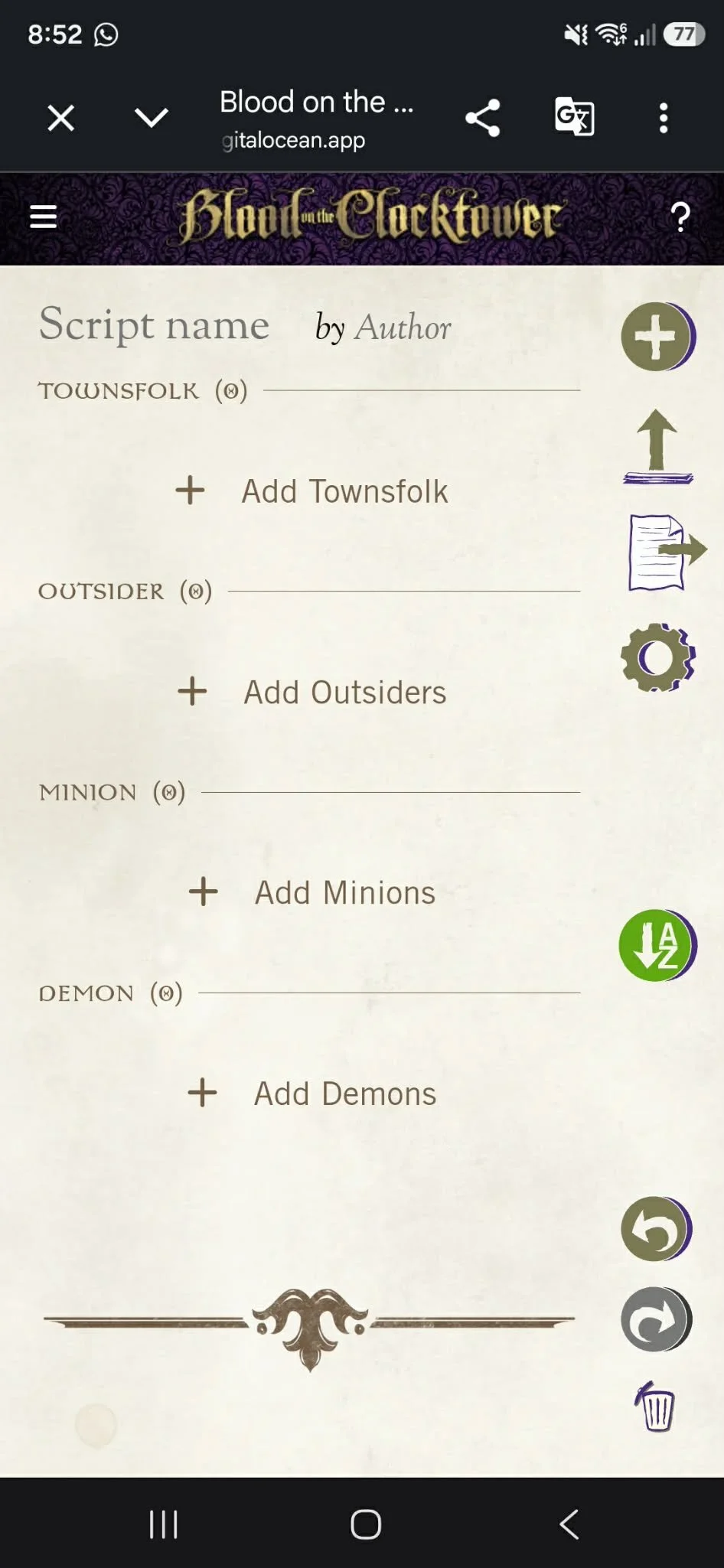
The Script Tool
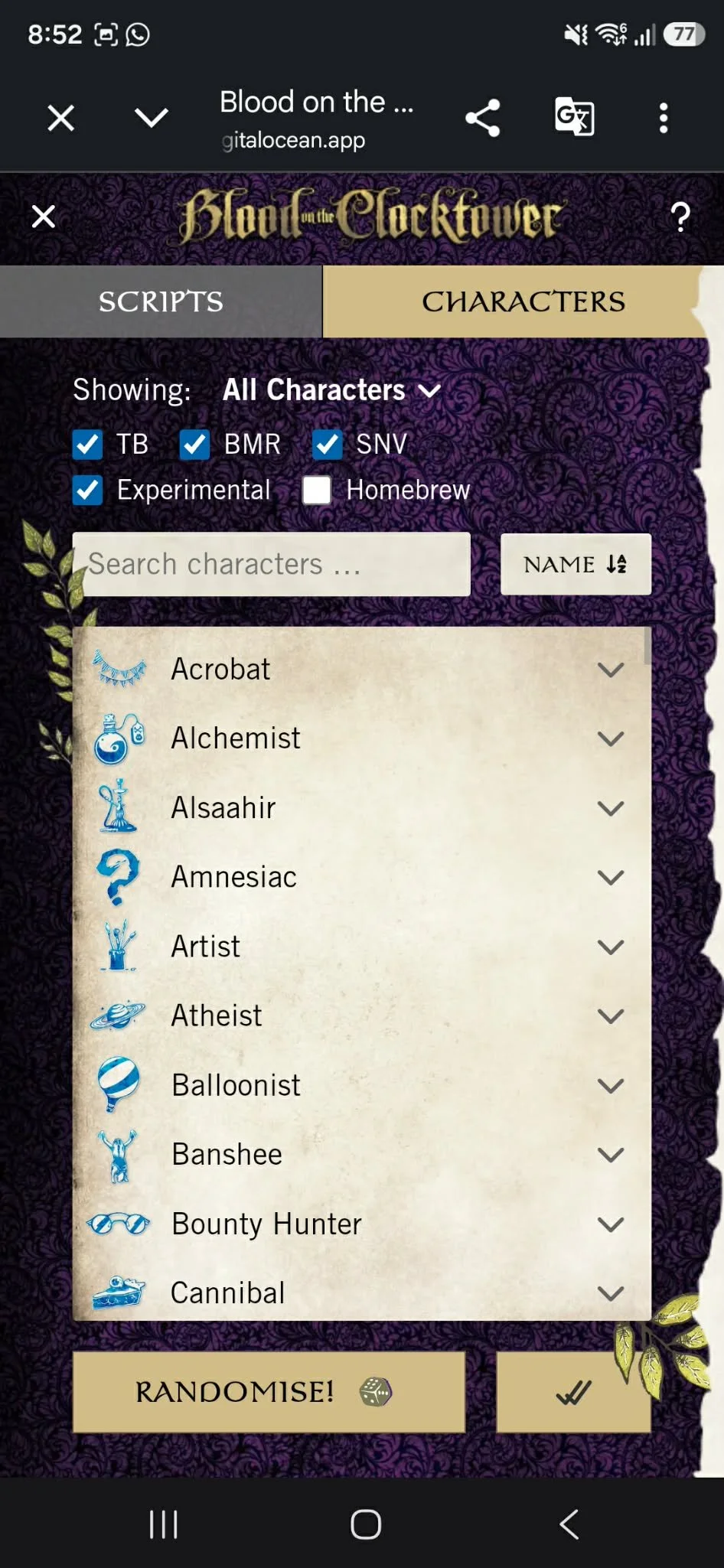
The Script Tool mobile app is a companion app that enables users to customize and create their own scripts or editions of Blood on the Clocktower, empowering players to experiment with new storytelling and gameplay approaches for a more engaging and unique experience.